TL;DR: Restaurant menu design software helps operators create, update, and publish professional menus across print, digital menu boards, QR codes, and online ordering platforms without relying on graphic designers for every change. The best solution depends on your operational needs, but modern platforms should simplify menu updates, maintain brand consistency, support real-time pricing changes, and keep digital and printed menus synchronized.
-
Why it matters: Outdated menus can result in incorrect pricing, inconsistent branding, missed seasonal opportunities, and unnecessary printing costs. Modern menu software helps restaurants respond faster while improving operational efficiency and the guest experience.
-
Who this is for: Restaurant owners, franchise operators, general managers, and marketing teams evaluating menu design software for print, digital displays, QR menus, or online ordering.
-
Who can skip this: Operators looking only for basic graphic design software or one-time menu templates rather than an end-to-end menu management solution.
-
What you'll walk away with: A practical framework for choosing the right menu software category, evaluating essential features, and understanding how integrated menu management, online ordering, and loyalty work together to improve accuracy, reduce manual work, and support long-term restaurant growth.
-
Most common next step: Identify the type of menu your restaurant needs, compare software against your operational requirements, and evaluate an integrated platform that connects menu management with online ordering and guest engagement.

Many restaurants still rely on Word documents or external graphic designers every time they need to update their menus.
That approach may seem manageable until a pricing change, seasonal promotion, or limited-time item needs to go live quickly. Delayed updates can lead to incorrect prices, inconsistent menus across locations, missed revenue opportunities, and frustrated customers.
Menu design software can help address these challenges by giving restaurant operators, franchise owners, and marketing teams an easier way to create, update, and distribute professional menus across print and digital channels. Whether you're refreshing a seasonal menu, introducing new items, or maintaining brand consistency across multiple locations, the right platform can make menu management faster, more accurate, and potentially more cost-effective than traditional design workflows.
Explore the best menu design software available in 2026, the features that matter most, and how to choose a solution that fits your restaurant's operational and branding needs.
What Is Menu Design Software
Menu design software is a tool that helps restaurant operators create, edit, and publish professional-quality menus for print, digital displays, QR codes, and online ordering platforms without requiring graphic design expertise.
Unlike traditional design software, these platforms are built specifically for restaurants, making it easier to update menu items, prices, descriptions, and branding from a single interface. Many solutions also support customizable templates, print-ready exports, editable QR code menus, and integrations with online ordering systems, helping businesses keep menu information accurate and consistent across channels.
For independent restaurants and multi-location brands alike, menu design software reduces the time and associated with menu updates while making it easier to respond quickly to seasonal promotions, pricing changes, and new product launches
The 3 Types of Restaurant Menus Each Software Category Serves
Not every menu design tool is built for the same purpose. Before comparing software options, it's important to identify the type of menu your restaurant needs. Most solutions fall into one or more of these categories:
- Print menus: Designed for high-quality printing with features such as print-ready PDF exports, bleed marks, professional typography, and custom page sizes.
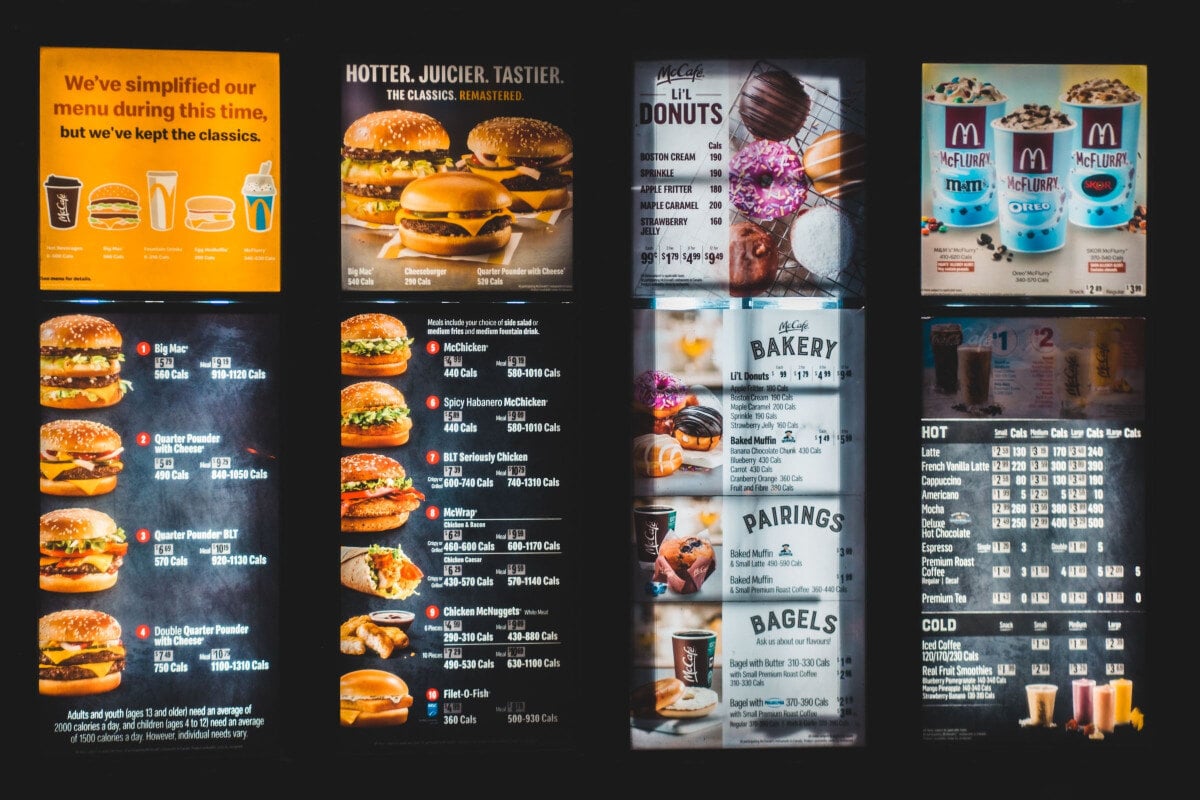
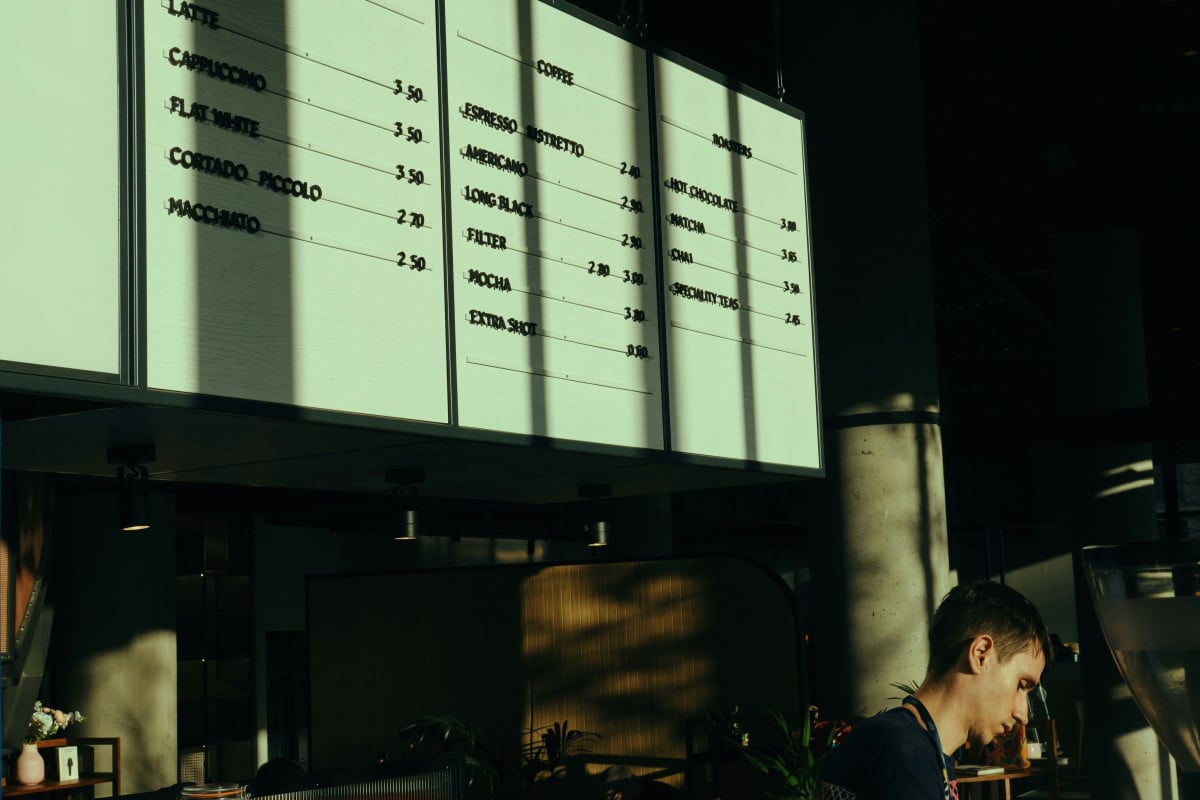
- Digital menu boards: Built for TVs and in-store displays, these tools offer screen-size templates and real-time updates, making it easy to change prices, promotions, or menu items without reprinting.
- Online ordering menus: Created for digital ordering, these platforms connect directly to online ordering systems, allowing menu items, pricing, and availability to remain consistent across customer-facing channels.
Option 1: General-Purpose Menu Making Software (Canva, Adobe Express)
General-purpose design platforms are a practical choice for restaurants that need attractive menus without investing in professional design software. Tools like Canva and Adobe Express offer restaurant-specific templates, drag-and-drop editors, and ready-made design elements, allowing operators to create or update menus in as little as 30 minutes. They're particularly useful for cafés, food trucks, and independent restaurants that primarily need print menus or simple digital PDFs.
These platforms typically offer:
- Restaurant menu templates.
- Drag-and-drop editing.
- Print-ready PDF exports.
- Basic digital menu sharing.
The trade-off is that they're design tools, not restaurant management platforms. Menu updates must usually be made manually, and they don't connect directly with online ordering systems, pricing engines, or POS platforms.
Option 2: Dedicated Restaurant Menu Design Software
Dedicated restaurant menu design software is built specifically for foodservice businesses, making it easier to organize menus without starting from a blank canvas. Unlike general graphic design tools, these platforms include restaurant-focused features that simplify menu creation while supporting consistent branding.
When comparing solutions, look for features such as:
- Food and beverage section templates.
- Built-in pricing and menu item fields.
- Photo upload and branding tools.
- Nutrition and allergen information features.
- Export options including PDF, PNG, and web formats.
These purpose-built tools help restaurants create professional menus more efficiently while reducing the time required for routine updates.
Option 3: Digital Menu Board Software
Digital menu board software allows restaurants to update menus across in-store displays without reprinting signage. This makes it particularly valuable for businesses that frequently change prices, promotions, or limited-time offers frequently.
Key advantages include:
- Real-time content updates.
- Screen-size templates for digital displays.
- Centralized menu management.
- Consistent branding across locations.
By replacing printed menu boards with digital displays, restaurants can also reduce recurring printing expenses, with some multi-location businesses saving $2,000–$5,000 in printing costs through digital menu management and make frequent menu changes easier to manage across locations.
Option 4: Restaurant Menu Builder Software With Online Ordering Integration
Restaurant menu builder software connects menu management directly to the online ordering experience. Instead of maintaining separate menus across multiple systems, operators can update items, pricing, and availability from a single platform, reducing manual work and improving accuracy.
An integrated menu builder typically includes:
- Live menu synchronization.
- Online ordering integration.
- Centralized pricing management.
- Automatic menu updates across customer-facing channels.
Real-time synchronization can reduce pricing and menu errors by up to 80%, making this category particularly valuable for restaurants that rely on digital ordering. This is also where platforms like Paytronix stand out by combining menu management with online ordering, guest engagement, and loyalty in a single ecosystem.
Option 5: Menu Design Software for Multi-Location Restaurant Groups
Enterprise menu management software helps restaurant groups maintain brand consistency while giving individual locations the flexibility to adapt to local needs. Instead of updating menus one location at a time, central marketing teams can manage and distribute approved changes across the restaurant group from a single platform.
The best enterprise solutions support:
- Centralized menu management.
- Location-specific pricing.
- Brand-approved templates.
- Simultaneous updates across multiple restaurants.
This approach helps franchise systems and multi-location operators maintain consistent branding while accommodating regional pricing, seasonal promotions, and market-specific menu variations without creating unnecessary operational complexity.
What to Look for in Restaurant Menu Software
Choosing restaurant menu software isn't just about finding the most attractive templates. The right solution should make it easier to update menus, maintainbrand consistency, and support both print and digital channels as your business grows. When evaluating different platforms, focus on the capabilities that will have the greatest operational impact.
Restaurant-Specific Templates
Look for software that includes menu layouts designed specifically for restaurants, with built-in food sections, price formatting, and flexible photo placement. Purpose-built templates reduce design time while helping maintain a consistent brand identity.
High-Quality Photo Support
Your software should support high-resolution image uploads and flexible placement options. Since professionally photographed menu items can increase order frequency by up to 30%, strong image support can directly influence sales.
Flexible Export Options
Choose a platform that exports menus in multiple formats, including print-ready PDFs, PNG or JPG files for digital menu boards, and web-optimized formats for online ordering or QR menus.
Real-Time Editing
Prices, menu items, and availability should be updated instantly without requiring a complete redesign. Real-time editing reduces operational delays and keeps menus accurate across every customer touchpoint.
Multi-Location Management
For restaurant groups and franchises, centralized menu management is essential. Look for software that supports brand-approved templates while allowing individual locations to manage local pricing and menu variations.
How Online Ordering Platforms Serve as Menu Creator Software
Restaurant menu design doesn't end when the layout is finished, it ends when customers see the correct menu. The information also needs to remain accurate when customers view and order from the menu.
That's where online ordering platforms with built-in menu management provide a significant advantage. Instead of designing a menu in one tool and manually updating another, operators can manage everything from a single system, ensuring that customers see the latest pricing, menu items, photos, and availability.
This unified approach eliminates the disconnect between menu creation and menu delivery. Depending on the platform and integrations in place, updates made by the operator is can be reflected across digital ordering channels in real time, reducing manual work while improving consistency across customer touchpoints.
Key benefits include:
- Real-time menu synchronization across online ordering channels.
- Accurate pricing and availability without duplicate data entry.
- Consistent menu photography and branding across digital experiences.
- Fewer operational errors through centralized menu management.
For restaurants managing frequent menu updates, this integration delivers measurable operational benefits. Real-time synchronization can reduce menu and pricing errors by up to 80%, helping operators maintain accurate digital menus while improving the customer experience.
Platforms like Paytronix extend this value even further by combining menu management with online ordering, loyalty, and guest engagement, allowing restaurants to manage the entire digital guest journey from a single platform.
Frequently Asked Questions About Menu Design Software
What Is the Best Menu Design Software for Restaurants?
The best menu design software depends on how and where you'll use your menu. For print menus, tools like Canva and Adobe Express offer an easy way to create professional designs. For digital menu boards, choose dedicated display software with real-time updates. For online ordering menus, your ordering platform's native menu builder is the best option because it keeps pricing, availability, and menu content synchronized across digital channels.
Can I Create a Restaurant Menu for Free?
Yes, you can create a restaurant menu for free using several design tools. Canva offers free restaurant menu templates, and many online ordering platforms include a basic menu builder as part of their subscription. While free tools work well for simple print menus, online ordering menus should be managed through the platform's native editor to ensure pricing and availability remain accurate.
How Often Should I Update My Restaurant Menu Design?
Restaurant menus should be updated at least twice a year to reflect seasonal changes. Pricing should also be reviewed quarterly to keep menus accurate and competitive. Good menu design software should make these updates a 30-minute task, allowing operators to refresh menus quickly without starting from scratch or relying on a designer.
Design Menus That Drive Orders, Not Just Turn Heads
A well-designed menu does more than showcase your food; it shapes the guest experience from the very first interaction. While strong design helps support the first order, long-term success comes from keeping menus accurate, engaging, and connected to the rest of your digital experience.
When menu management, online ordering, and loyalty work together, every update supports better customer experience, fewer operational errors, and stronger repeat business.
See how Paytronix combines digital menus, online ordering, and loyalty to help restaurants deliver accurate menus, personalized guest experiences, and more connected digital ordering experiences. Schedule a demo to see how it works.

 Michelle Casey


 Kristin Lynch : Jul 16, 2025