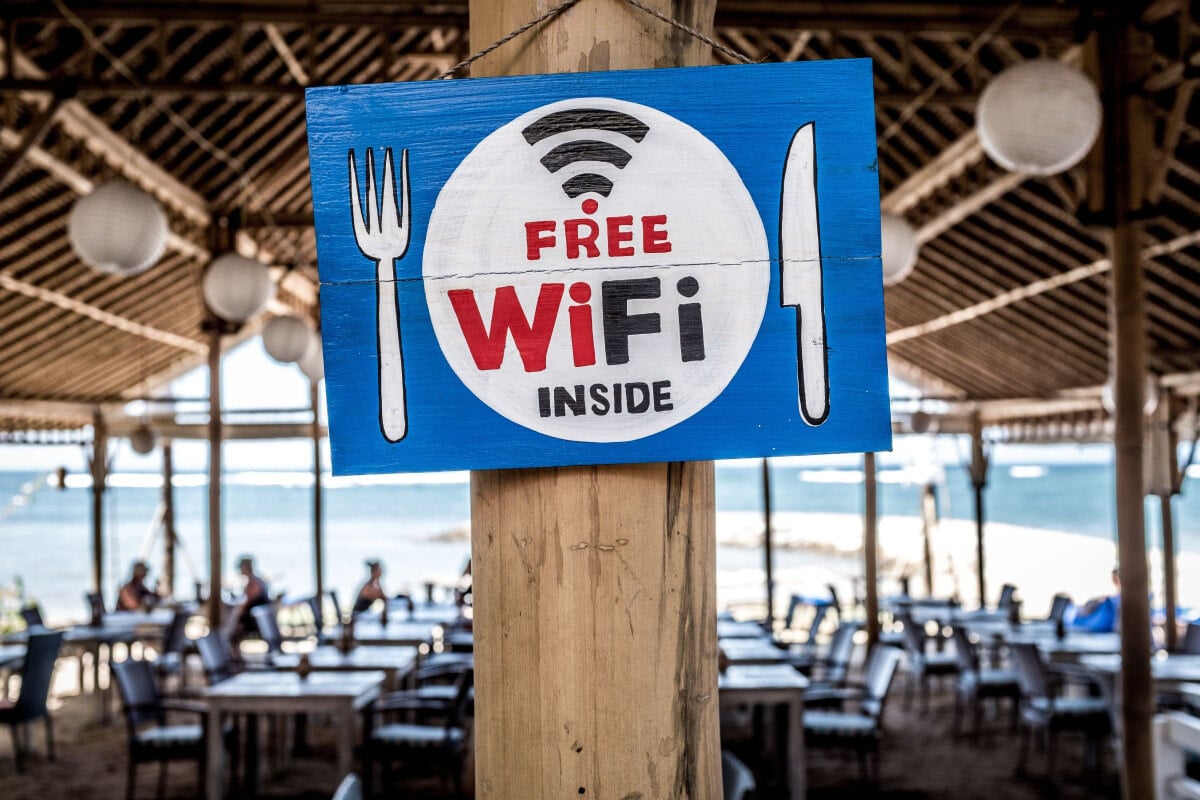
Most restaurants and convenience stores already offer guest Wi-Fi. The service itself is no longer a differentiator. The real value lies in the strategy behind it: protecting the business and its customers while increasing sales, driving foot traffic, and encouraging repeat visits.
According to Nation’s Restaurant News (citing Technomic), 65% of U.S. diners expect restaurants to provide free WiFi. A guest network with its own service set identifier (SSID) and password ensures security, and just as important is having a clear, well-designed Wi-Fi sign placed in the right spot.
It prevents staff from repeating credentials, reduces friction for visitors, and supports digital touchpoints like mobile ordering, loyalty programs, and data capture for smarter marketing and stronger engagement.
This article explores practical strategies for guest WiFi signage, including templates, sign types, placement ideas, personalization tips, and security considerations, helping users feel connected and comfortable as if at home or in the office.
Designing Your Wi-Fi Sign
The design of your guest Wi-Fi sign starts with the look and feel. Color palette, font, icons, and layout should align with your brand while remaining readable at a glance.
A sign that complements a café counter, drive-thru window, c-store checkout, or full-service dining room creates a smoother experience and encourages users to connect without asking staff for help.
Templates and Custom Styles
Start with a ready-made Wi-Fi password sign template or create a custom design. Tools like Canva, Adobe Express, and Etsy offer layouts with symbols, categories, filters, clean spacing, and print-friendly proportions. Custom designs work well for multilocation restaurants and c-stores to maintain a consistent style across all sites.
When choosing or creating a template, consider image resolution, file format, print size, and whether to display the sign digitally or physically.
What to Include (SSID, Password, and More)
Every Wi-Fi sign should clearly display the network name and password. Small restaurants or independent c-stores can add a short, friendly message, such as “Stay connected while you enjoy your meal,” to create a personal use feel.
Larger brands may prefer a clean and direct approach with SSID, Wi-Fi password, and a note pointing customers toward online ordering, loyalty programs, or app download.
Formats and Print Quality
Check that your design is high resolution and sized appropriately. A small café might print a simple PDF on cardstock, while a multi-unit restaurant brand may prefer laminated signage, acrylic displays, or digital screens that you can update remotely. PDF, PNG, and JPG are the most common formats and ensure legibility from a distance.
4 Types of Signs
Businesses can choose from printable signs, digital signs, and physically manufactured signs. Each option has strengths depending on budget, branding needs, and location type.
- Printable Templates
Paper, cardstock, or plastic prints are budget-friendly and easy to update, with price options to suit small restaurants or pop-ups. They work well for small restaurants, seasonal pop-ups, food trucks, or independent c-stores testing layouts. Swap these printed signs regularly to match promotions or seasonal themes.
- Digital Signs
Screens at counters, menu boards, or tablets can display Wi-Fi information alongside promotions. This works well for busy fast-casual restaurants and convenience stores where digital content already runs throughout the day.
- Physical Manufactured Signs
Acrylic plaques, metal Wi-Fi signs, magnets, or engraved wood pieces offer durability and a polished look. Multilocation brands often use this style to maintain consistency and reduce maintenance.
Whichever type you choose, readability is essential. Simple fonts, strong contrast, and appropriately sized shapes ensure the sign is visible and fits naturally in the space.
- Quick Response (QR) Codes or Website Links
Modern signs often include a QR code that allows guests to connect instantly. This is useful in fast-casual dining rooms and busy convenience stores. QR codes can also link to your site, loyalty program benefits, online ordering, or menus.
Some businesses use near-field communication (NFC) tags or digital captive portals that appear when users access the network, showing terms of use, requesting an email address, or directing users to promotions. These are more common in hotels and airports but are increasingly used in midsize restaurants as well.
4 Do-It-Yourself (DIY) Ideas
DIY Wi-Fi signs provide an opportunity to add personality while keeping costs low. A little creativity produces a sign that feels part of the brand and enhances the customer experience:
- Printable designs: Use templates you can update weekly, seasonally, or for special promotions. These work well in cafés, casual dining, or fast-casual spots where the look and messaging can change with your menu or events.
- Chalkboard or dry-erase signs: Perfect for cafés or bakeries with a relaxed, inviting vibe. These signs give you flexibility to add playful messages, daily specials, or friendly greetings alongside your Wi-Fi info.
- Recycled or repurposed materials: Old frames, vintage menu boards, or upcycled wood can give your sign character and a story. This approach works especially well for restaurants searching for a rustic, eco-conscious, or handcrafted feel.
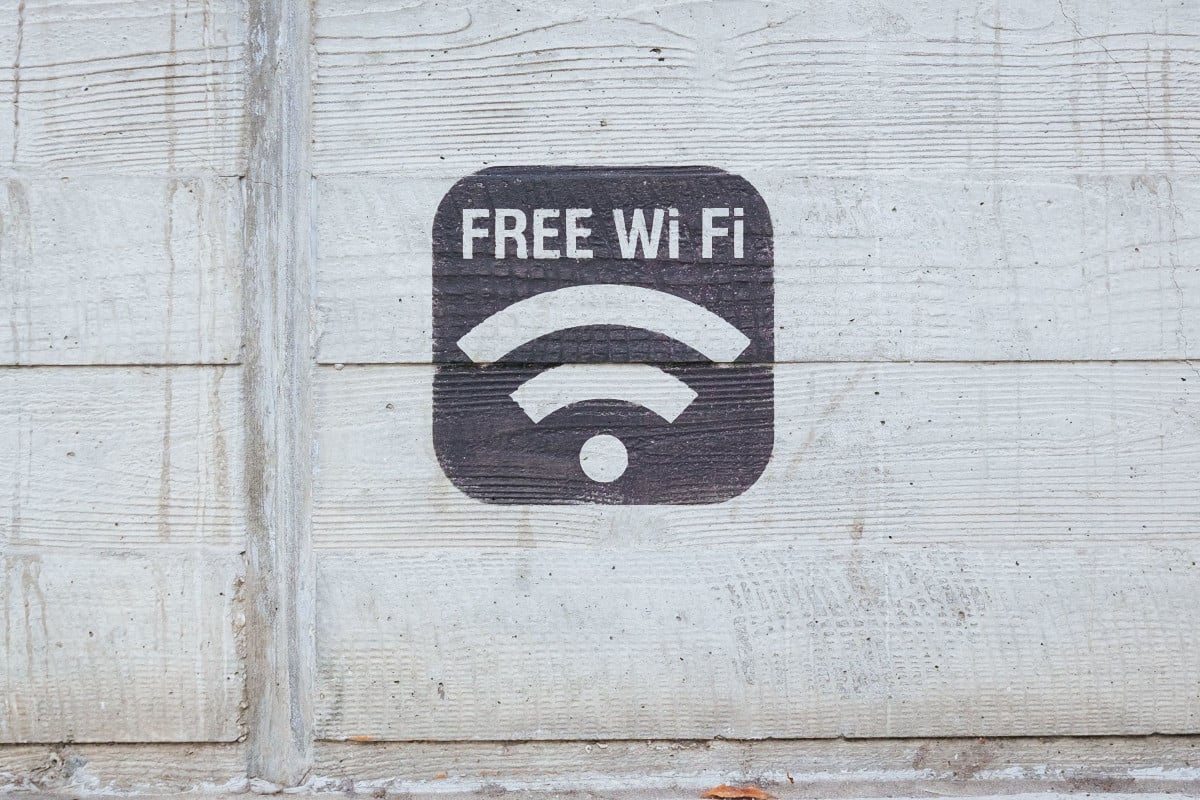
- Hand-painted or engraved signs: For themed restaurants or multilocation brands wanting consistency, a handcrafted or engraved sign makes a strong impression and adds a professional, memorable touch.
Pinterest and similar platforms are treasure troves of inspiration. Search, explore, or shop for ideas that match the brand’s personality and experiment with color schemes, fonts, layouts, and images while keeping the information clear and easy to read.
4 Ways to Customize Your Sign
Once choosing a format, tailor the details with personalization to make the Wi-Fi sign truly reflect the brand and improve the guest experience.
- Match Your Brand Style
Use fonts, colors, and design elements that align with your menu boards, loyalty materials, or storefront signage. Consistency across touchpoints reinforces your brand and makes the sign feel intentional.
- Add Logos or Icons
Incorporate your logo, brand icon, or even social media symbols to strengthen recognition. These visual cues help guests associate the Wi-Fi experience with your overall brand presence.
- Include a Short, Friendly Message
Messages like “Connect and enjoy,” “Wi-Fi on us,” or "Browse and relax" make the network approachable, encourage interaction, and reinforce your brand’s hospitality.
- Strategic Placement
Position signs where guests naturally look, near tables, counters, kiosks, drive-thru windows, or entrances. Thoughtful placement reduces repeated questions for staff and makes network login easy and seamless.
Test Readability and Accessibility
Evaluate the sign from multiple distances, angles, and lighting conditions. Make sure the text is clear on phone screens, tablets, and printed versions. Check font size, contrast, and spacing to ensure all guests can read it comfortably.
Before finalizing, proofread carefully. For multilocation businesses, gather employee feedback across sites. They observe where guests naturally look, where confusion arises, and can suggest improvements.
Additionally, ask guests if accessing the network is intuitive and track common issues. Use this feedback to refine messages, placement, and design. Stay updated with restaurant industry trends for Wi-Fi and digital engagement.
Frequently Asked Questions About Guest Wi-Fi Signs
Providing guest Wi-Fi can raise questions for both small and multilocation restaurants or c-stores. Here are answers to the most common concerns, helping you understand how to protect your network while improving the user experience.
Is guest Wi-Fi private?
Guest Wi-Fi is not completely private. While you should separate it from your main network to protect business systems, any data transmitted by visitors is at risk for interception if it is unencrypted. Use secure passwords and educate customers to minimize risk.
Is it worth setting up guest Wi-Fi?
Yes. Offering guest Wi-Fi improves customer satisfaction, encourages repeat visits, and provides opportunities for loyalty enrollment or app engagement. For restaurants and c-stores, it can also increase foot traffic and provide actionable insights through data capture and digital interactions that is available to log for analysis.
Does guest Wi-Fi network traffic slow down main network Wi-Fi traffic?
It can if both networks share bandwidth without management. By creating a dedicated visitor network with controlled bandwidth, you can prevent slowdown. This allows your staff and critical business systems to operate normally while customers enjoy reliable access.
Safety and Security Considerations for Your Wi-Fi Password
A strong Wi-Fi strategy balances convenience with security. Using a dedicated customer network separates visitors from your business systems, reducing risks of unauthorized access.
Your Wi-Fi sign can also serve as a communication tool, providing clear instructions, setting expectations for safe browser use, and gently reminding customers about responsible behavior.
Updating Wi-Fi passwords regularly is essential, and including guidance on your sign encourages both employees and visitors to treat the network securely, making the guest WiFi experience safe, seamless, and professional.
Why a Visitor Wi-Fi Sign Matters
Setting up a guest Wi-Fi sign is more than displaying a network name and password. It simplifies the user experience, protects your business, and creates opportunities for repeat visits and stronger relationships. A well-designed sign also supports data capture that drives smarter marketing decisions and customer loyalty engagement.
Make the most of every chance to connect with your customers. Book a demo with Paytronix to discover how their loyalty programs, online ordering, and tools can turn every digital interaction into a real opportunity to grow your restaurant and elevate the guest experience.

 Kristin Lynch


 Michelle Casey : Nov 03, 2025